
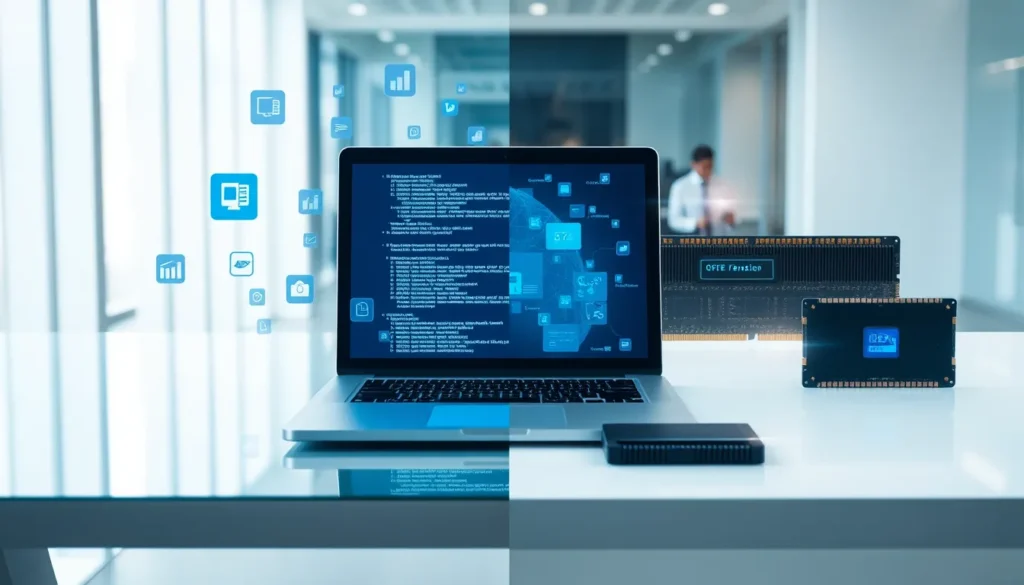

Software vs. hardware, it’s a distinction that shapes how every computer, smartphone, and digital device functions. Yet many people blur the line between these two essential components. One you can touch, the other you can’t. One runs on code, the other runs on electricity. Understanding their differences helps anyone make smarter tech decisions, whether they’re buying a new laptop, troubleshooting a problem, or simply curious about how devices work. This guide breaks down what separates software from hardware, how they depend on each other, and why both matter equally in modern computing.
Table of Contents
ToggleKey Takeaways
- Software refers to intangible programs and code, while hardware consists of physical components you can touch.
- Neither software nor hardware works alone—they depend on each other to deliver useful functionality.
- Software can be updated or fixed with downloads, but hardware requires physical replacement when it fails.
- Drivers act as critical bridges that help operating systems communicate with specific hardware components.
- Understanding the software vs. hardware distinction helps you troubleshoot tech problems faster and make smarter purchasing decisions.
- Companies that control both software and hardware, like Apple, can achieve tighter optimization and better device performance.
What Is Software?
Software refers to the programs, applications, and operating systems that tell a computer what to do. It exists as code, instructions written by developers that hardware executes. Users interact with software every time they open a web browser, edit a document, or play a video game.
There are two main categories of software:
- System software: This includes operating systems like Windows, macOS, and Linux. System software manages hardware resources and provides a platform for other programs to run.
- Application software: These are programs designed for specific tasks. Examples include Microsoft Word, Photoshop, Spotify, and mobile apps.
Software has no physical form. It’s stored as data on hard drives, SSDs, or cloud servers. When someone installs an app, they’re copying files onto their device, not adding any physical weight or material.
Updates and upgrades happen frequently with software. Developers release patches to fix bugs, improve performance, or add new features. This flexibility makes software adaptable. A program written ten years ago can still run on modern hardware if developers maintain compatibility.
Without software, hardware would sit idle. A computer with no operating system is just an expensive paperweight. The software brings hardware to life.
What Is Hardware?
Hardware consists of the physical components that make up a computer or device. These are the parts users can see and touch, keyboards, monitors, motherboards, processors, and memory chips.
Hardware falls into several categories:
- Input devices: Keyboards, mice, microphones, and cameras allow users to send information to the computer.
- Output devices: Monitors, speakers, and printers display or produce results from the computer.
- Processing components: The CPU (central processing unit) and GPU (graphics processing unit) handle calculations and render visuals.
- Storage devices: Hard drives, SSDs, and USB drives hold data permanently or temporarily.
- Memory: RAM (random access memory) stores data that programs actively use.
Hardware degrades over time. Components wear out, overheat, or become outdated. Unlike software, hardware requires physical replacement when it fails. A cracked screen or dead battery can’t be fixed with a download.
Manufacturers design hardware to meet specific performance standards. A gaming PC needs a powerful GPU. A server requires massive storage and reliable processors. The hardware determines what a device can physically accomplish.
Hardware costs money upfront, and upgrades often mean buying new parts. This contrasts sharply with software, which can sometimes update for free.
Core Differences Between Software and Hardware
The software vs. hardware distinction comes down to several key factors. Here’s a clear breakdown:
| Aspect | Software | Hardware |
|---|---|---|
| Form | Intangible (code and data) | Tangible (physical components) |
| Creation | Written by developers | Manufactured in factories |
| Modification | Updated via downloads | Replaced or upgraded physically |
| Failure | Bugs, crashes, errors | Wear, damage, overheating |
| Cost structure | Often subscription or one-time purchase | Upfront purchase, repair costs |
| Lifespan | Can last indefinitely with updates | Degrades over time |
Tangibility stands as the most obvious difference. Hardware occupies physical space and has weight. Software exists only as electronic signals and stored data.
Development processes differ greatly too. Software development involves writing code, testing, and debugging. Hardware development requires engineering, prototyping, and manufacturing. Creating a new processor takes years and billions of dollars. Writing a simple app takes weeks or months.
Failure modes separate them as well. Software crashes when code contains errors or conflicts. Hardware fails when components break or overheat. Fixing software usually means patching code. Fixing hardware often means replacing parts.
Dependency creates another distinction. Software needs hardware to run. Hardware needs software to function usefully. Neither works alone. A smartphone without an operating system can’t make calls. An operating system without a phone has nowhere to exist.
How Software and Hardware Work Together
Software and hardware form a partnership. Each depends on the other to deliver useful functionality.
The operating system acts as a bridge between software applications and hardware components. When someone clicks a mouse, the hardware sends an electrical signal. The operating system interprets that signal and tells the active program what happened. The program responds, and the screen updates, all in milliseconds.
Drivers play a critical role in this relationship. A driver is specialized software that helps the operating system communicate with specific hardware. Without the right driver, a printer won’t print, a speaker won’t play sound, and a graphics card won’t display images properly.
Performance depends on balance. High-end software demands capable hardware. Running video editing software on an old laptop creates frustration. Conversely, powerful hardware running outdated software wastes potential.
Compatibility matters too. Software developers write programs for specific operating systems and hardware architectures. A Windows program won’t run natively on macOS. Software designed for modern CPUs may not work on older processors.
This partnership explains why tech companies often control both sides. Apple designs its own chips and writes its own software. This integration allows tight optimization between software and hardware, something harder to achieve when different companies handle each piece.
Understanding the software vs. hardware relationship helps users troubleshoot problems. A slow computer might need a software update, or it might need more RAM. Knowing the difference saves time and money.


